Zepper
Spaces ⌃1⌃2⌃3
A space for every side of you.
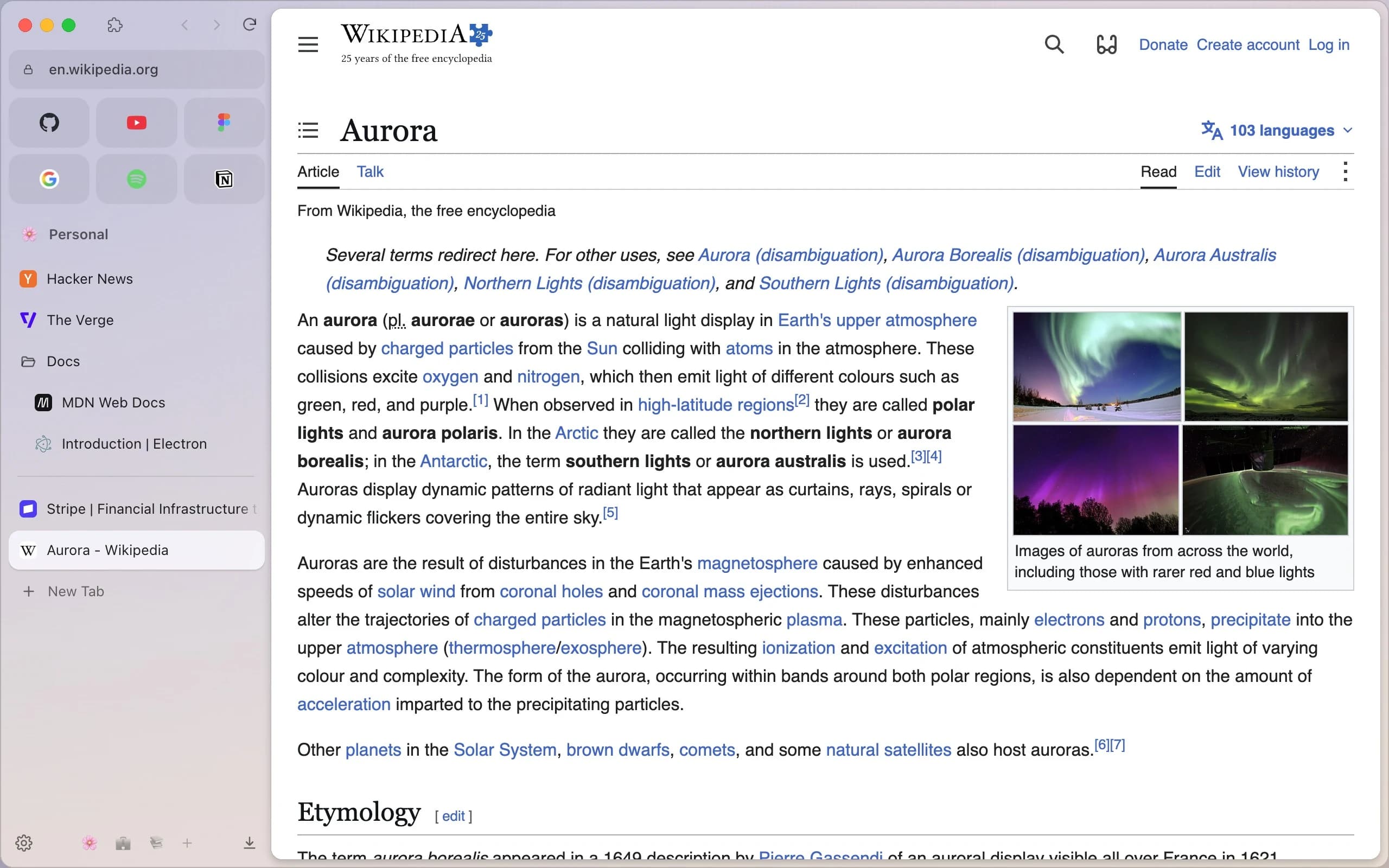
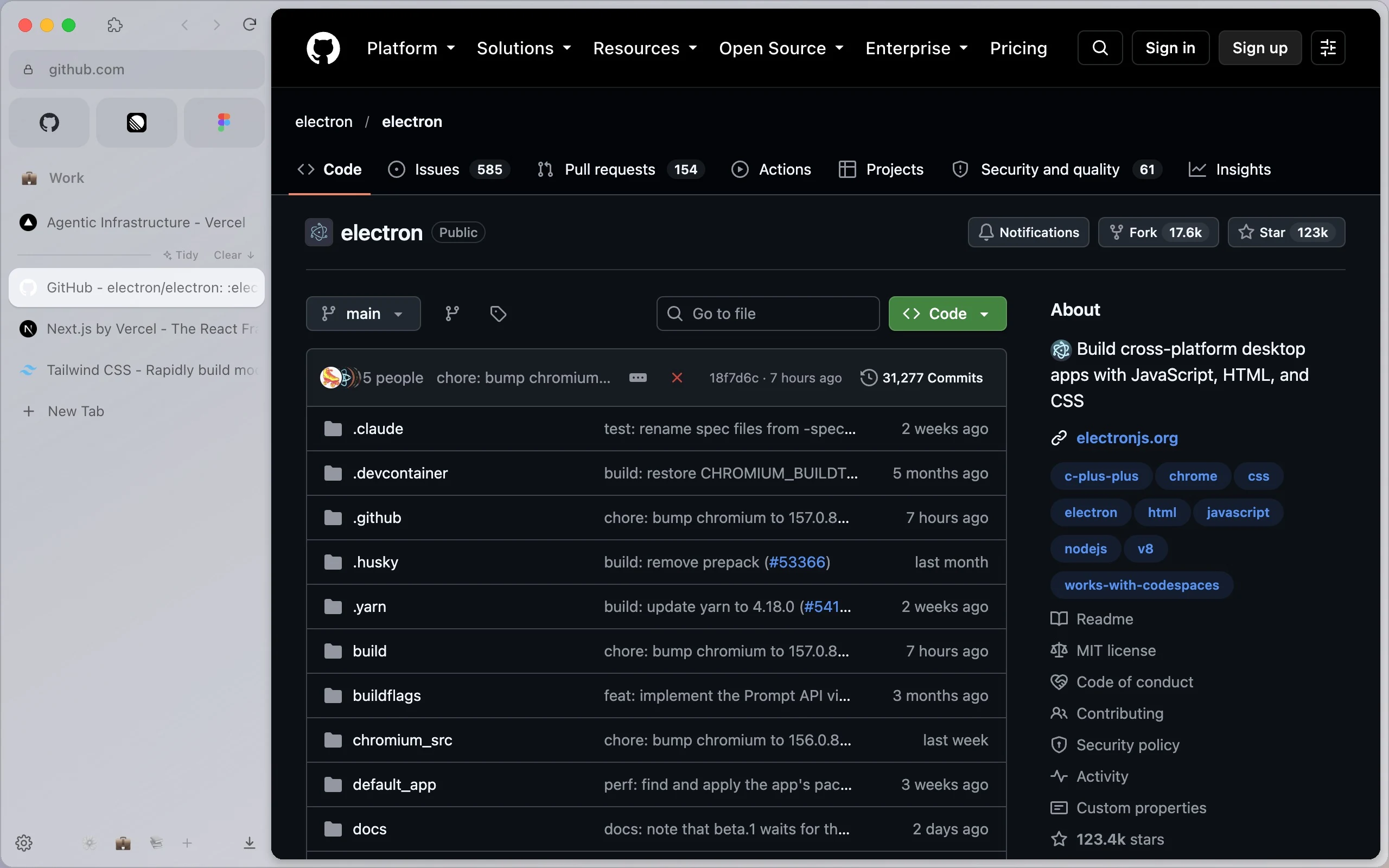
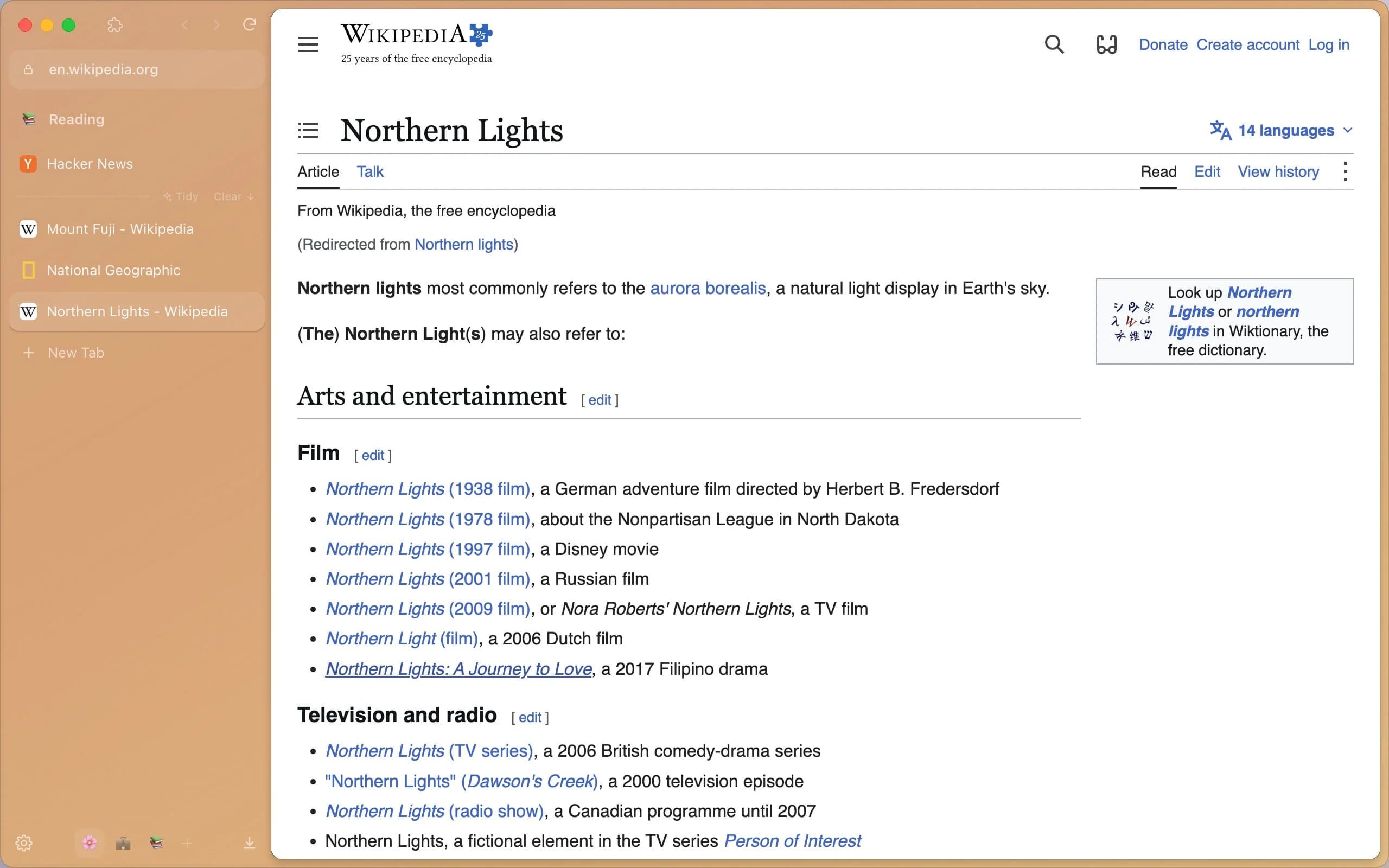
Each space keeps its own colours, pinned tabs and Essentials, and if you like, its own sign-ins, kept apart like separate profiles. Swipe between them on the trackpad, or switch with a shortcut.
- Personal
- Work
- Reading
Command bar⌘T
Find anything. Go anywhere.
One bar for the web, your history and the tabs you already have open. Bangs like !w !yt !gh skip the search page and go straight to the site.
Split view⌥⌘V
Two pages, one window.
Side by side, stacked, or a grid of four, with dividers you can drag. Read the docs while you write the code, then put it all back with ⌥⌘U.
Compact mode⌘S
Out of the way, until you reach for it.
Compact mode gives the whole window to the page. Move the pointer to the edge and the sidebar floats back in, then tucks itself away again.
Only in Zepper
Things your browser can't do.
Tidy, in one click.
Apple Intelligence sorts a messy space into folders with sensible names, right on your Mac. Not what you wanted? Undo puts every tab back.
Capture just the part you need. ⇧⌘2
Click an element, drag a region, or take the whole page. It's on your clipboard at once, ready to paste, with a thumbnail you can drag into other apps.